How to Choose the Best Blogging Platform

Are you looking for the best blogging platform? Well, you came to the right place! Choosing the right home for your very first blog can be tough. Since there are so many different choices, it can really be hard to decide on the best possible thing. Therefore, I prepared this blog post for you to make things a bit easier! Let’s compare some of the most popular blogging platforms available out there!
In this post, I am going to review some of the best blogging platforms that are currently are being used the most among bloggers. If you’re interested in a particular platform, you can click the link to skip ahead in the article.
What To Keep In Mind When Looking For The Best Blogging Platform?
Now with so many options, you might be wondering how does one even choose. Before we dive in, let’s decide on what you’re looking for.
First of all, if this is your first blog, you will want something that is easy to use but also offers space to grow. Think about your plans for the year or two in advance- if you want to start monetising your blog, you should have that in mind when looking at terms & conditions of the platform.
Another thing to consider is your budget. Some of the platforms offer free trials etc, but afterwards, you’re charged a monthly fee and it can get pretty more pricey as you grow.
Of course, you can start with a free to use platform today, but make sure to check if it easy to switch to another platform if needed. Trust me, your future self will thank you for this!
Lastly, don’t forget to look at the design options. Visuals are extremely important in the blogosphere.
With all of that in mind, let’s look at each platform to find all of the pros & cons.
WordPress.org
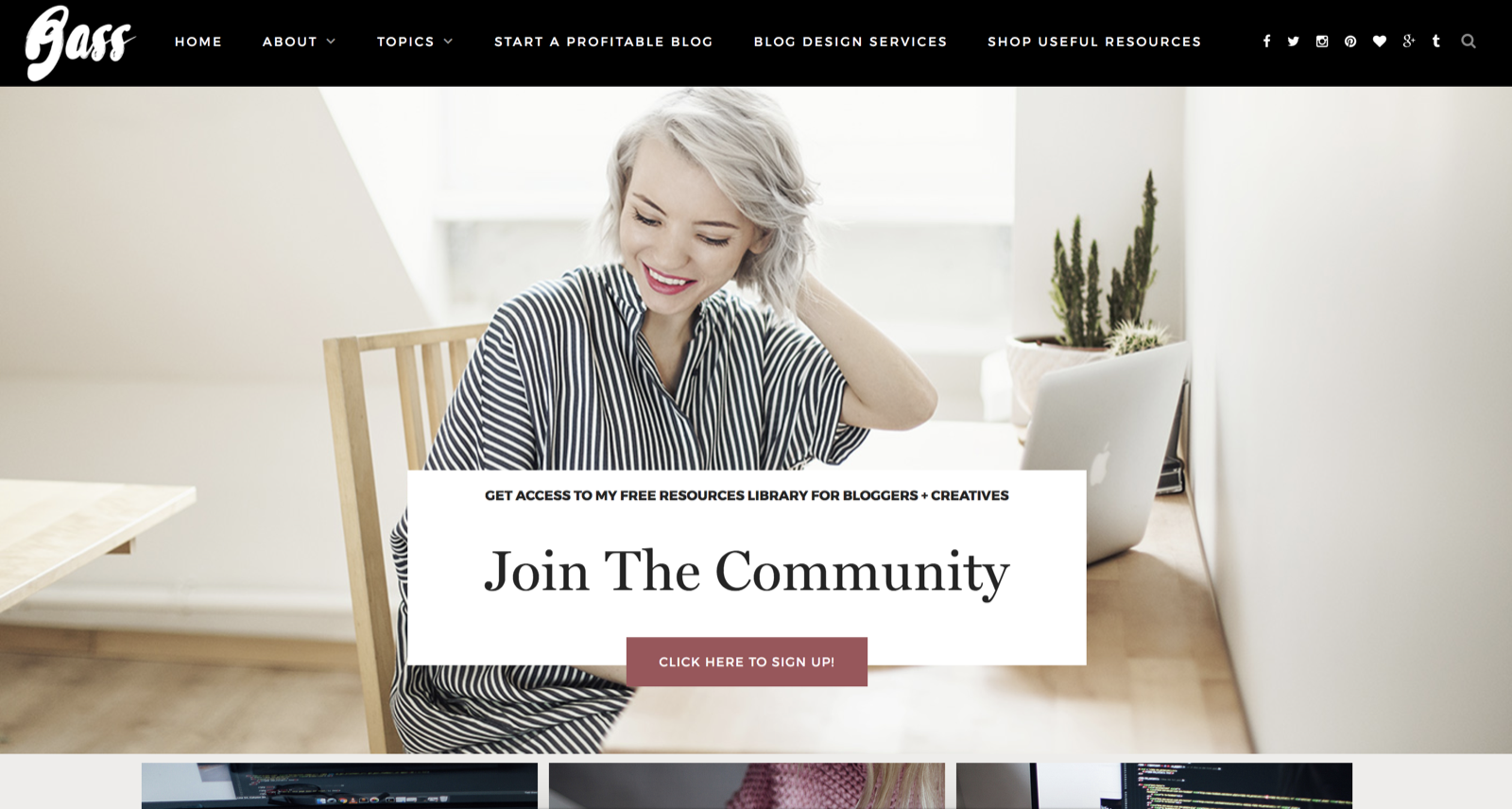 Now if you decide to take your blogging game seriously, you should consider going self-hosted. I’ve been on WordPress.org for over 3,5 years now and I’m not looking anywhere else. It’s only going to take you 5 minutes to start and I personally cannot compare it to any other platform!
(Note: It’s easy to confuse WordPress.org with WordPress.com, which is a blog hosting service next on this list)
Pros:
- super easy to set up, it literally takes a couple of minutes. find a tutorial here →
- unlimited plugins available.
- you get a custom domain for your installation.
- you have way more freedom to expand design & development-wise. with Wodpress.org you’re the one in full control of your blog’s growth.
- so many great themes to choose from (free & paid).
- great for your SEO.
Cons:
- you need to pay for web-hosting (yet it’s definitely cheaper than most of the other paid platforms).
- more control comes with more responsibility. you have to make sure to choose trustworthy web host & use plugins for most downloads & reviews.
I really cannot think about more cons. WordPress.org is my favourite blogging platform out there & I bet you’re going to love it. If you’re convinced, start it today using our 5-minute tutorial!
WordPress.com
WordPress.com is a blog web hosting service provider owned by Automattic and powered by the open source WordPress software. This website gives you an ability to create a free blog site and is financially supported via paid upgrades, “VIP” services and advertising.
Pros:
- FREE for up to 3GB of space. After that, you will have to pay for space ($19.95 per year for 5GB) or ($289.97 per year for 100GB).
- You get regular backups.
- Free domain with .wordpress.com ending.
Cons:
- You cannot utilise ads to earn money from your free WordPress blog.
- You cannot use custom designed themes in the basic package. WordPress.com simply does not allow to upload designer themes bought online unless you use one of their premium plans.
- Plugins are not allowed on the free version of WordPress which makes it pretty limited.
- WordPress.com does not allow you to modify the PHP source code. This is a major limitation if you ever need to customize your theme.
The bad news is, even if you upgrade to a paid version, it’s still very limited in what you can create and way more expensive than going self-hosted with WordPress.org.
Blogger
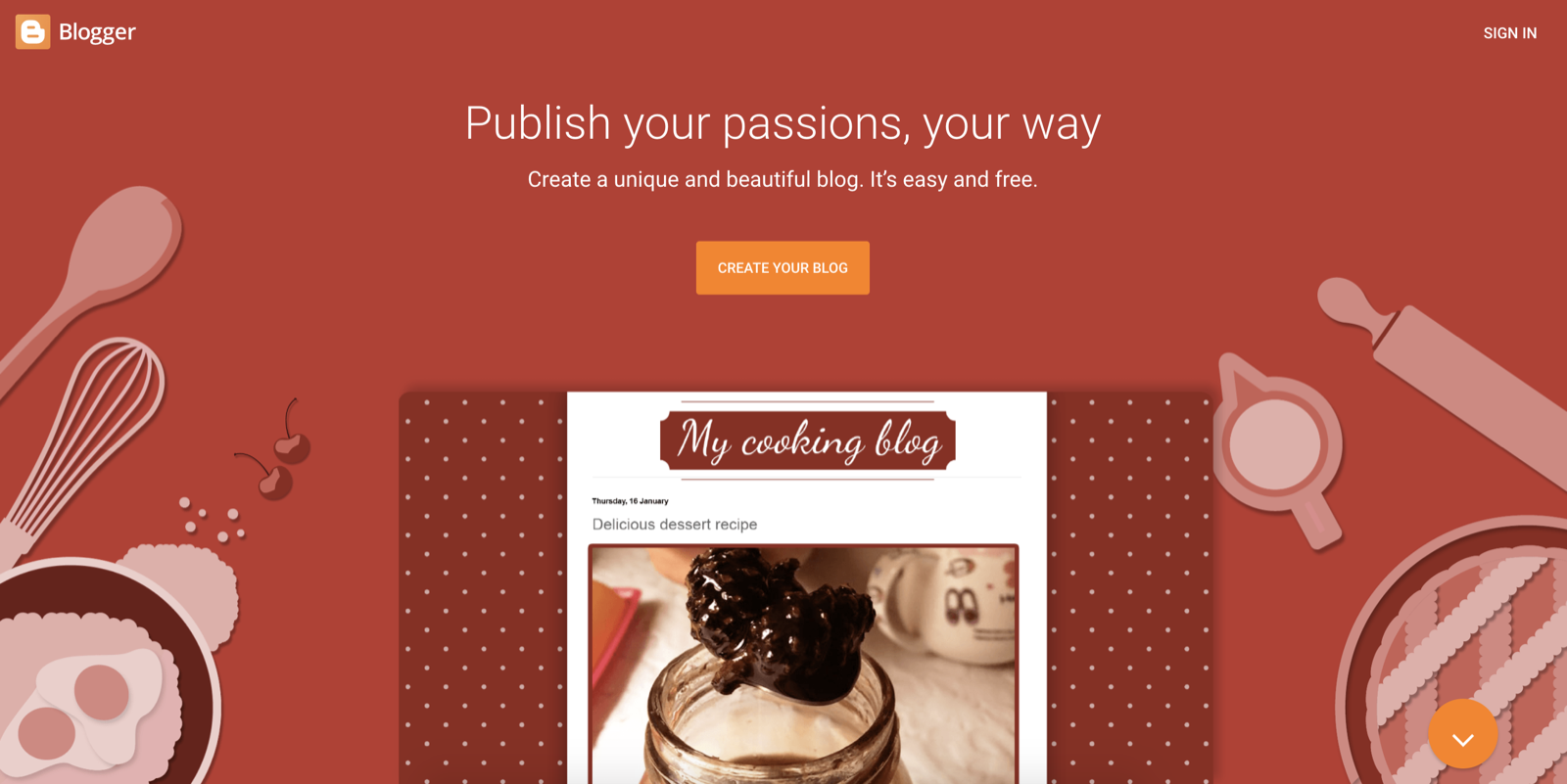 Let’s start with Blogger or as one might say- Blogspot. I personally started my own blog on Blogger around five years ago. It was an excellent place to start at. However, I always felt it was a bit limiting. Here are some points you should consider before starting your blog on blogger.com:
Pros:
- it’s a free blogging platform, all you have to do is register on www.blogger.com
- it’s easy to use
- it offers some useful default plugins such as Google Ads, Popular Posts, Subscription forms as it connects straight to your Google account.
- you get to choose from a few default blog design themes straight away or can find plenty of stylish paid blog designs.
Cons:
- it is a bit limited. you cannot really expand your web development or plugin use.
- it might not do well SEO-wise.
- as it’s not self-hosted, if Blogger one days gets shut down- your blog will too.
- more of a starter blogging platform, so it might not look professional enough.
To sum up: great for beginner blogger that are not sure about how serious they are about blogging yet. Transferring your blog from Blogger to WordPress is pretty easy tho, you can find the tutorial here →
Wix
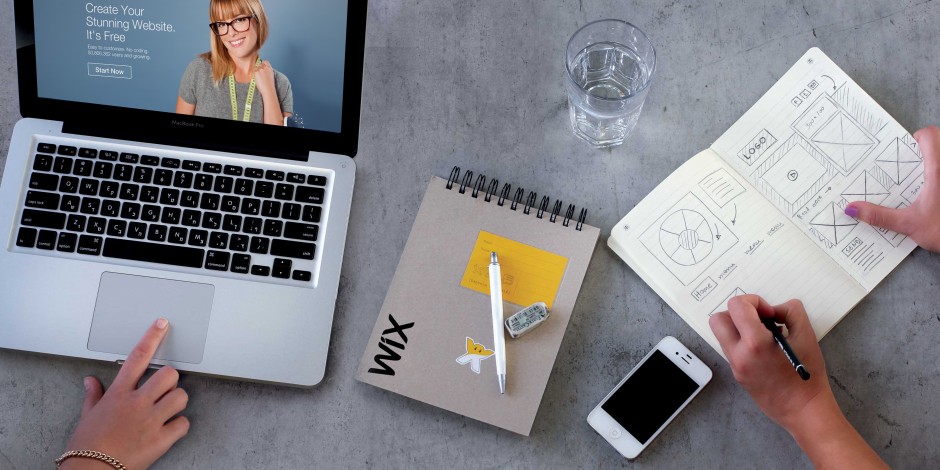 Wix.com is a cloud-based website builder which allows you to create quick and clean blogs in no time. It allows users to create HTML5 websites and mobile sites through the use of online drag and drop tools.
Pros
- You can easily customize your site using templates and third-party applications.
- Doesn’t require any coding skills for building your site.
- Installation is very smooth.
- User friendly.
Cons
- The free account is very limited and it even shows Wix branding and ads on your site which doesn’t look great for your own brand.
- Once you choose a template you are not able to change it.
- A lot of features are limited even with a paid plan.
Overall, a great platform for beginners, but I give 99% that you will want to transfer your blog to another platform in less than a year. See our article on moving your blog from Wix to WordPress.org if you’re using Wix, but are not completely satisfied with what it offers.
Squarespace
 Squarespace is a website building service that allows you to create beautiful websites using easy drag and drop tools. It is primarily focused on small business owners who are looking for an easy way to create an online presence.
Pros
- Squarespace is simple and easy to use for beginners.
- It has beautifully designed templates.
- No technical skills required.
Cons
- Very limited features.
- Can get very pricey if you want to build a larger website.
- Only a few selected services and tools available.
- Quite limited in customisation options.
Overall, you will love Squarespace if you’re into visuals, but it’s not necessarily the best blogging platform for actually creating a profitable blog out there.
Tumblr
 Tumblr is a microblogging and social networking website founded in 2007. Having a Tumblr blog used to be quite a big deal a few years back, but with Instagram and other social media raise, it’s not as popular as it used to be.
Pros:
- Free and very easy to use.
- You have your social media connected straight to the blog.
- Makes it easy to share visual content in your blog posts.
Cons:
- Pretty hard to grow your blog using Tumblr.
- Free themes are pretty limited.
- it’s not self-hosted, if Tumblr one days gets shut down- your blog will too.
It is a great blogging platform for sharing your pictures and creating a visual diary. Yet if you wish to grow a large, profitable blog, I’d look somewhere else.
Best Blogging Platform
I honestly believe that self-hosted WordPress.org is the best blogging platform for your blog. It is easy to use, affordable and you really have no limits to what it can be grown into. That’s exactly what you want if you want to grow a profitable blog.
I hope this article helped you see the differences between these blogging sites and let you decide what is the right home for your new blog. If you’re ready to get started blogging with WordPress.org, then go ahead and start your self-hosted WordPress.org blog in 5 minutes today. I can’t wait to see what you come up with!